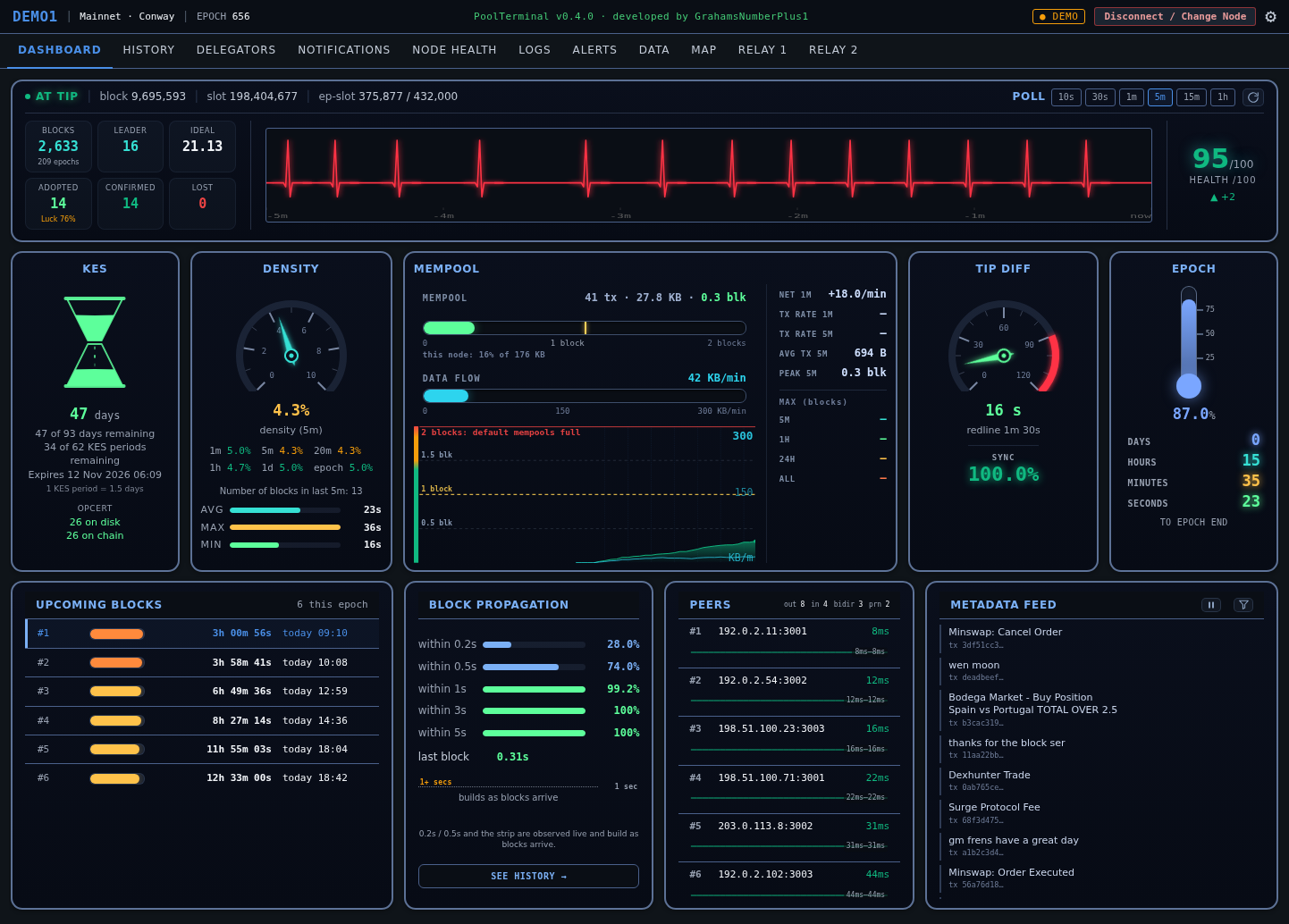
Everything happening right now
The live view. A chain pulse heartbeat showing real block timing, KES countdown with op-cert health, a mempool panel that counts the queue in blocks against the 2-block line where default-size mempools fill up, with real KB/min flow, sub-second block propagation, your upcoming leader slots with countdowns, and a live feed of chain metadata as transactions land.
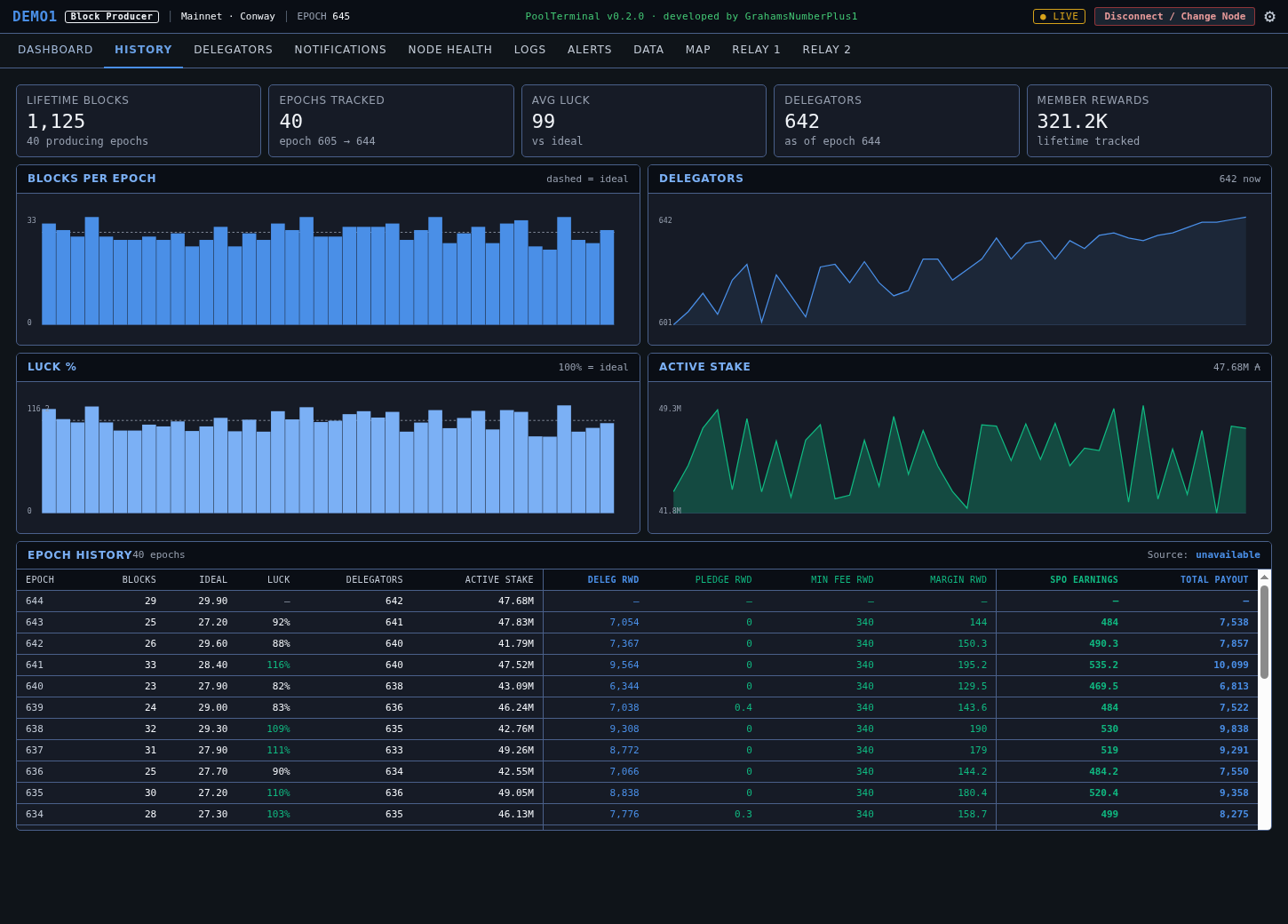
Every epoch, back to the beginning
Blocks, ideal, luck, delegators and active stake for every epoch your pool has run. The reward table breaks each epoch into a six-way split, including your own SPO earnings. Against a real pool this goes back to your very first epoch.
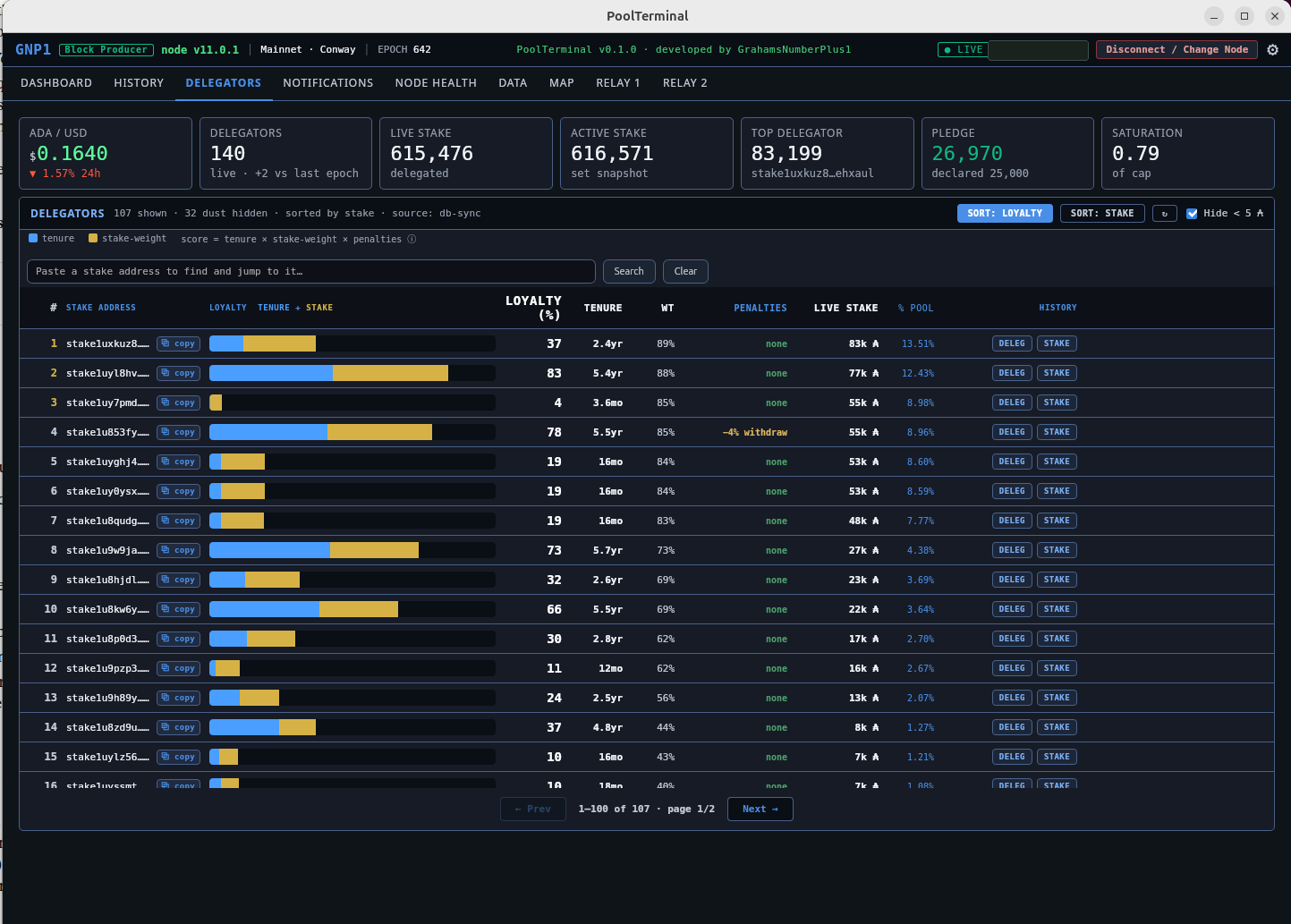
Who they are, and how loyal
Every delegator in one sortable table with a computed loyalty score combining tenure and stake weight. Search by stake address, jump straight to anyone, and open a deep-dive on any delegator: balance, rewards, a stake-history graph, and every pool they have ever delegated to.
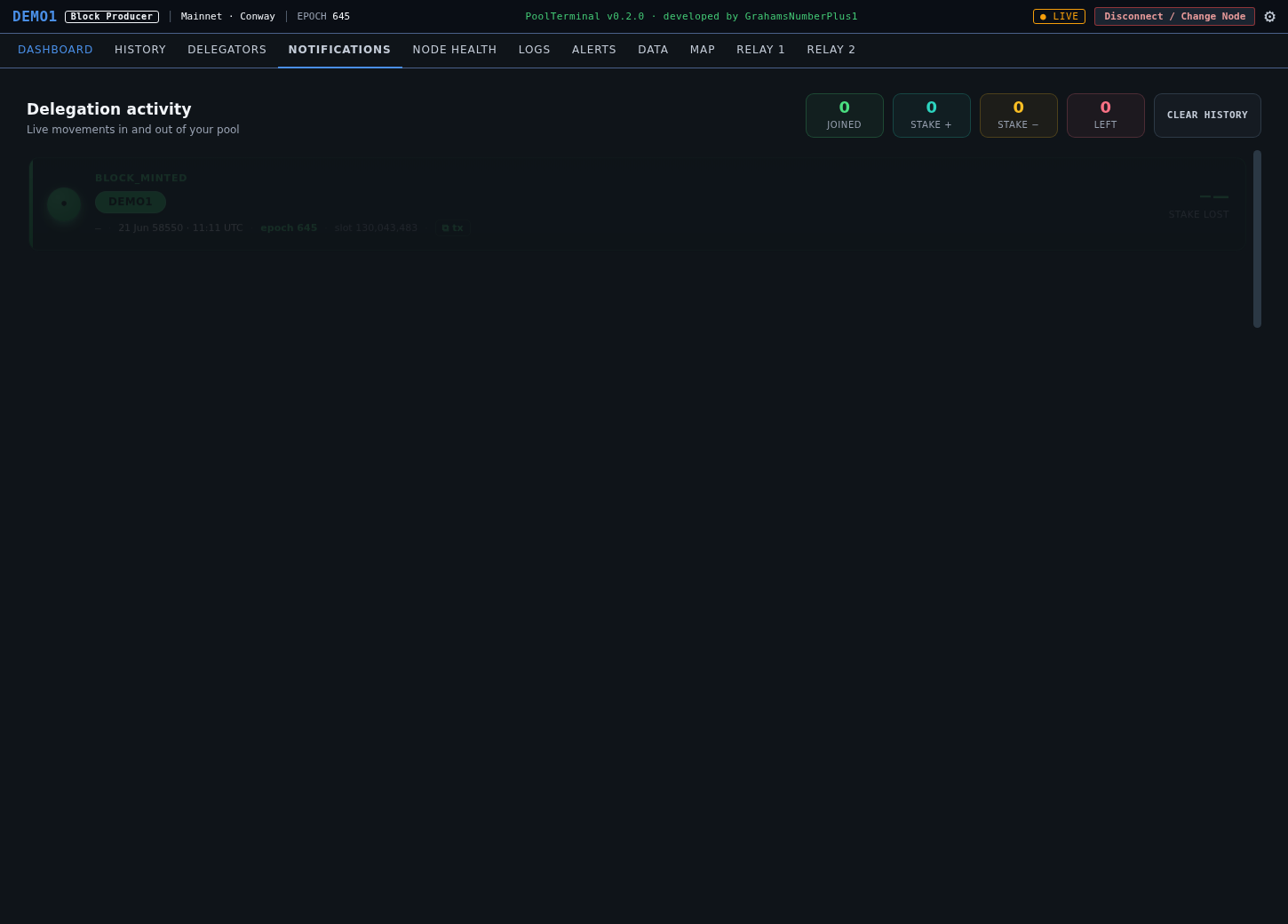
Delegation movements, live
Delegators joining, leaving, returning or moving stake, detected on chain within minutes. Colour-coded with from and to amounts and one-click transaction links. The polling cadence tunes itself to your pool size.
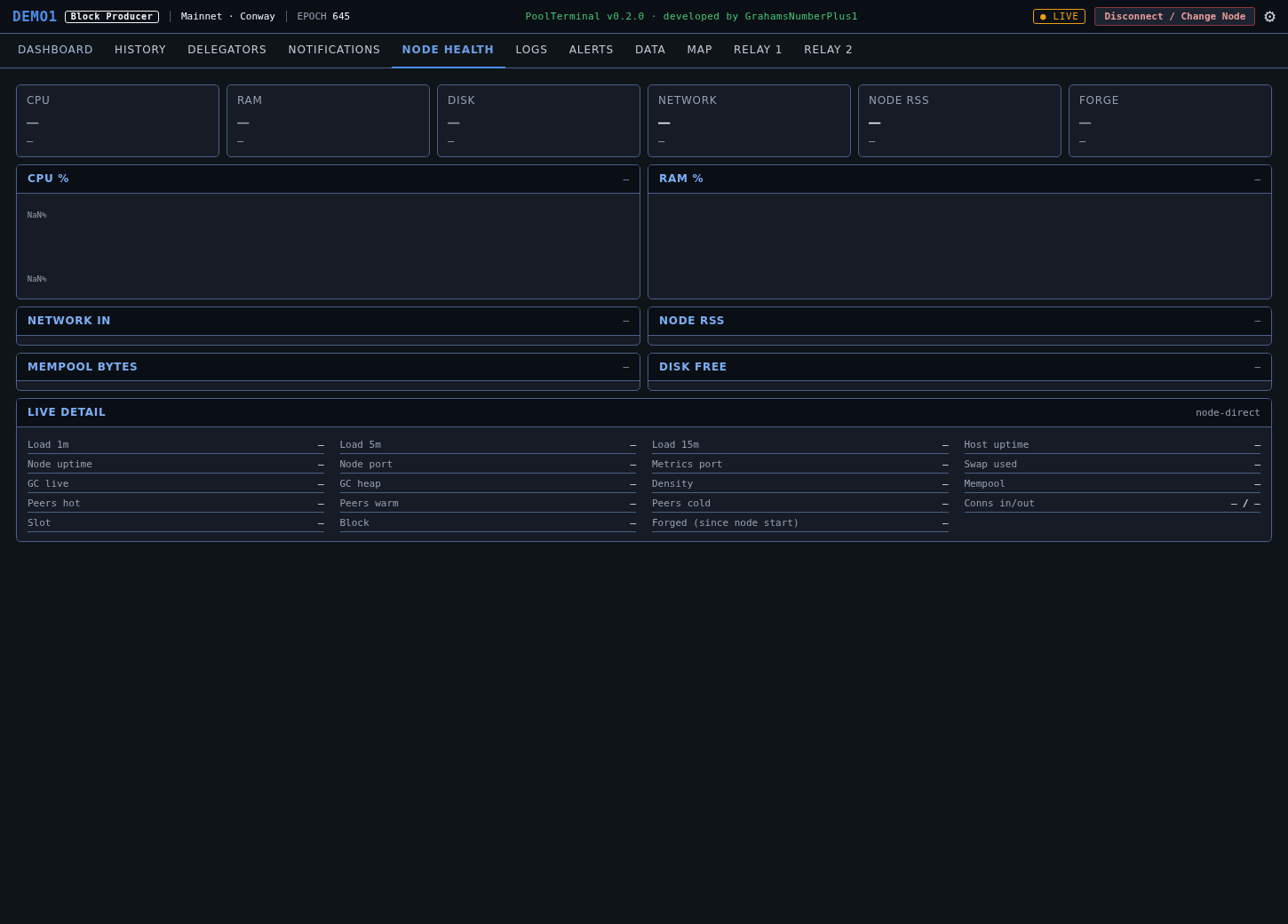
What your machine is actually doing
CPU, RAM, disk, network and the node process itself, with hundreds of historical samples so you can see trends rather than snapshots. Plus the live detail every operator wants at a glance: load, uptime, GC, peers hot and cold, forged and missed.
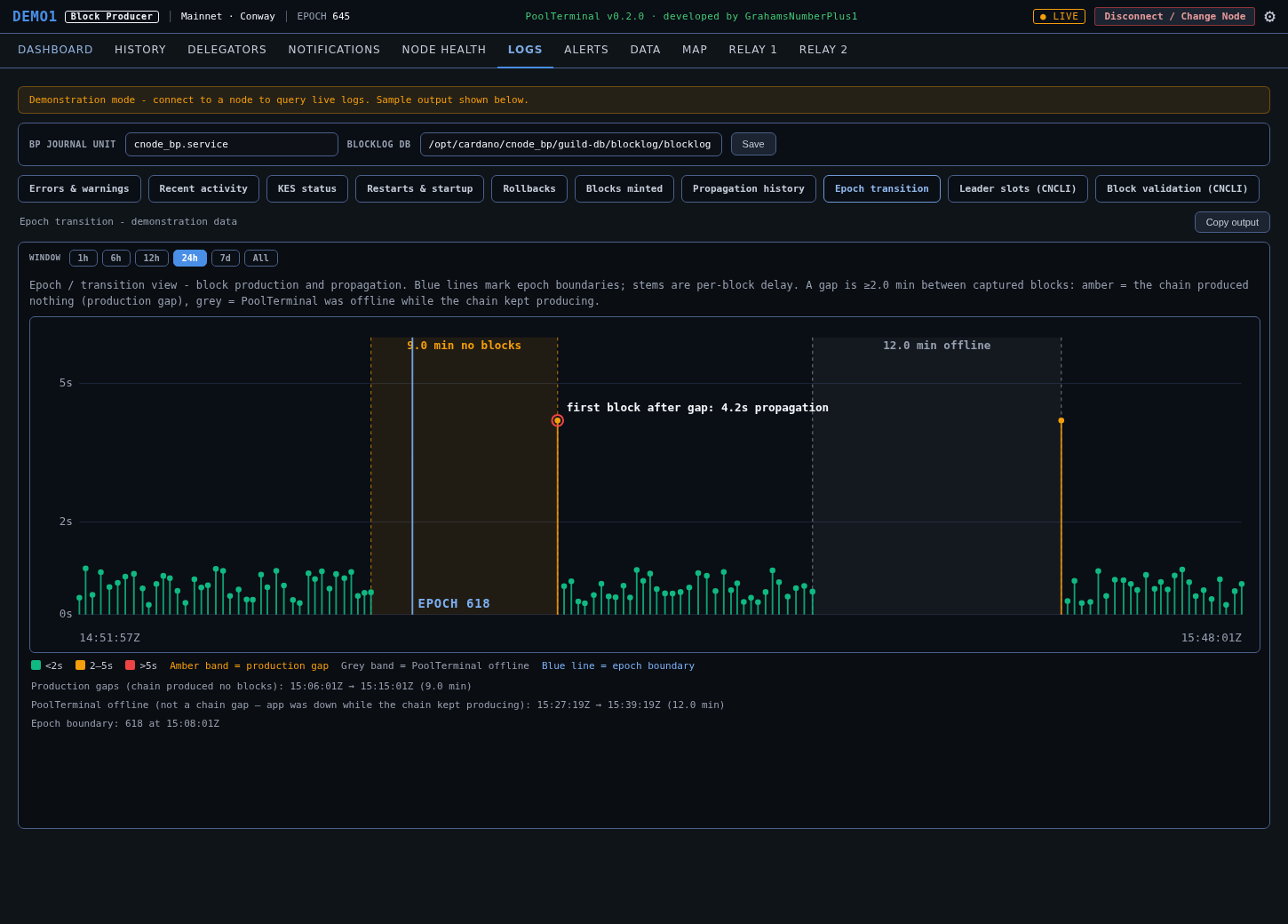
Diagnostics without a shell
New in v0.2.0. A read-only workspace over your node's systemd journal and CNCLI data - no shell, no writes, every query bounded and run at low CPU and IO priority so it can never compete with block production. One click gives you errors and warnings, restarts, rollbacks, KES status or your full minted-block history. Shown here is the epoch transition view: each stem is one block's propagation delay, and the run-up to a boundary becomes something you can actually read. An amber band means the chain itself produced nothing; a grey band means PoolTerminal was closed while the chain kept going. A ~30-second liveness beat is what tells those two apart - without it, both would look like the same blank stretch.
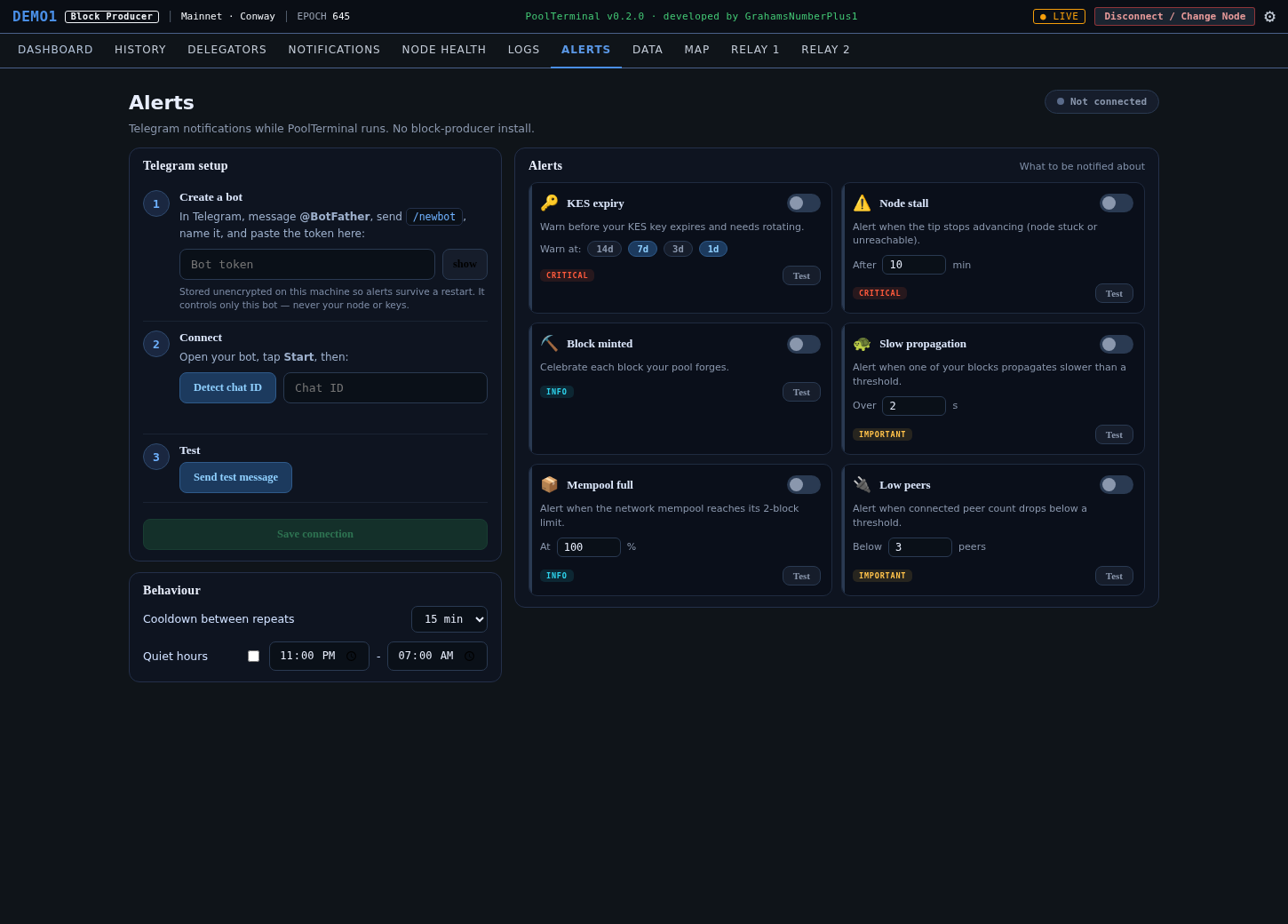
Telegram, with nothing on your block producer
New in v0.2.0. Every other SPO alerting setup wants an agent, a cron job or a monitoring stack running next to your node. PoolTerminal already receives this data every poll cycle, so it just sends it on - nothing is installed on your BP. Setup is three guided steps: create a bot with @BotFather, paste the token, and your chat ID is detected automatically. Six alerts ship today, each independently toggled with its own threshold and a Test button so you can see exactly what it looks like on your phone before you rely on it. A global cooldown and optional quiet hours stop a flapping condition becoming a night of buzzing.
Where every number comes from
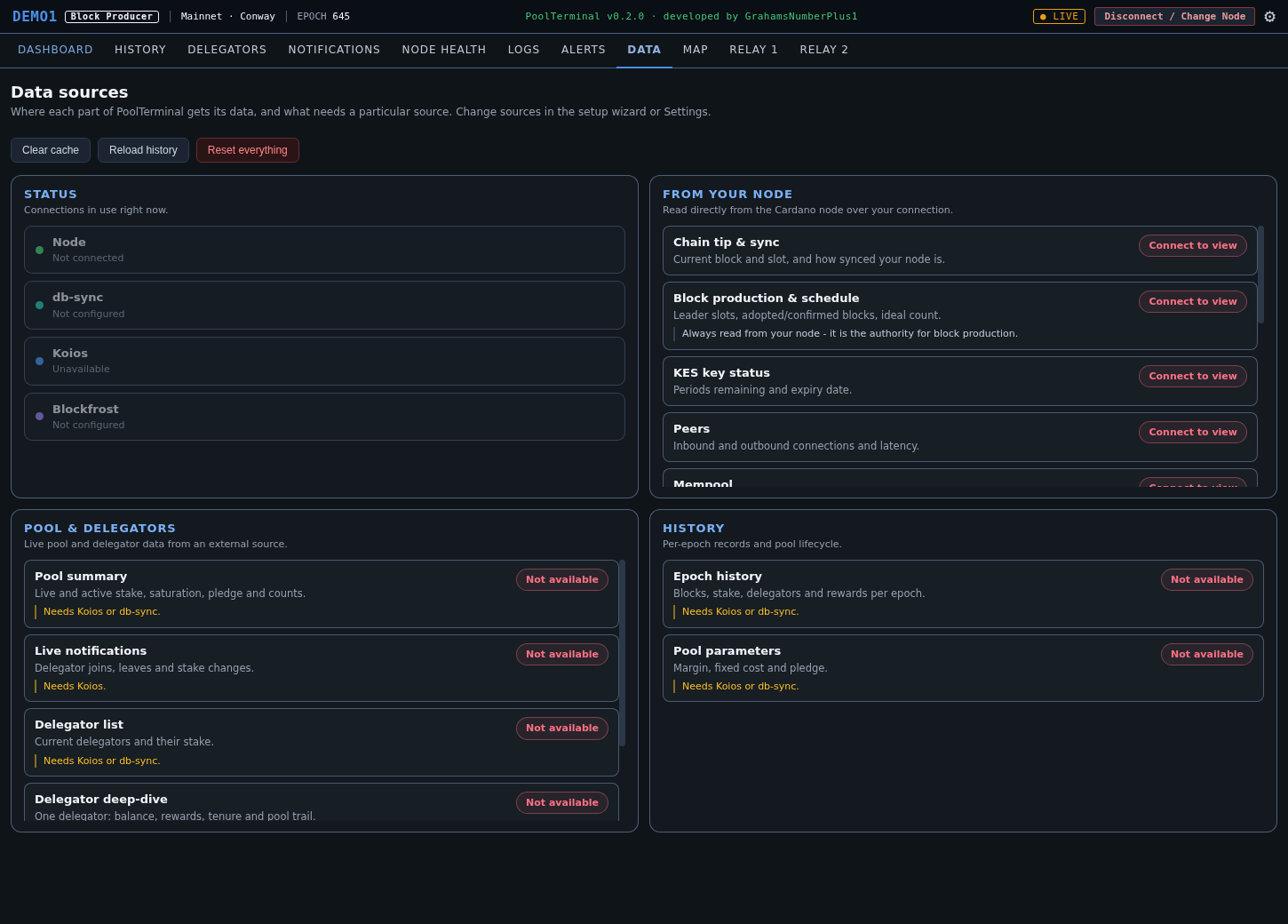
No black boxes. Every piece of data tells you which source it came from and which machine it was fetched by. You can see at a glance that your block producer is polled only for the essentials, while everything else runs from your own machine.
Your node and its peers
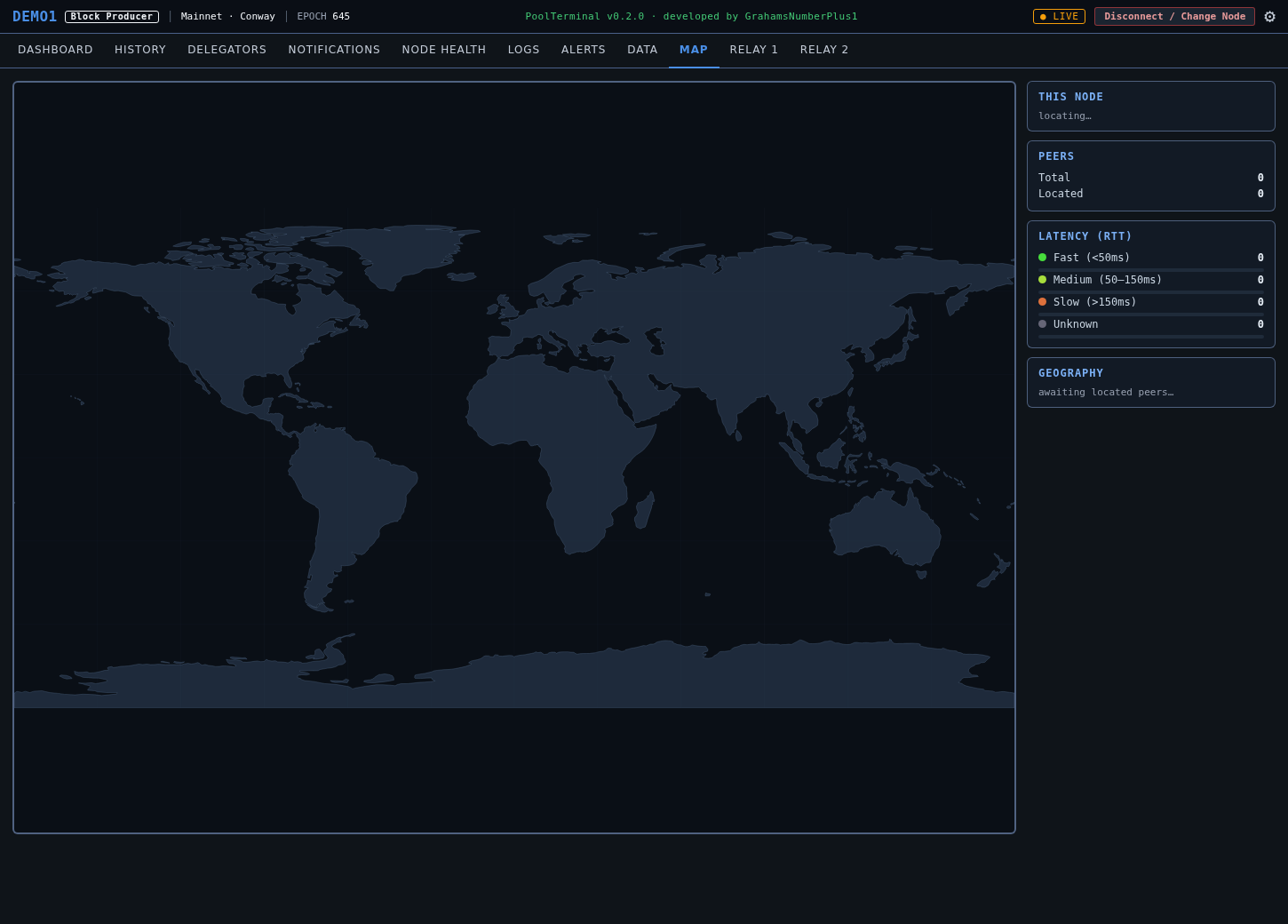
A full-size world map plotting your node and its live peers, geolocated, with latency-coloured connections and a geographic breakdown. Cached offline after first load.
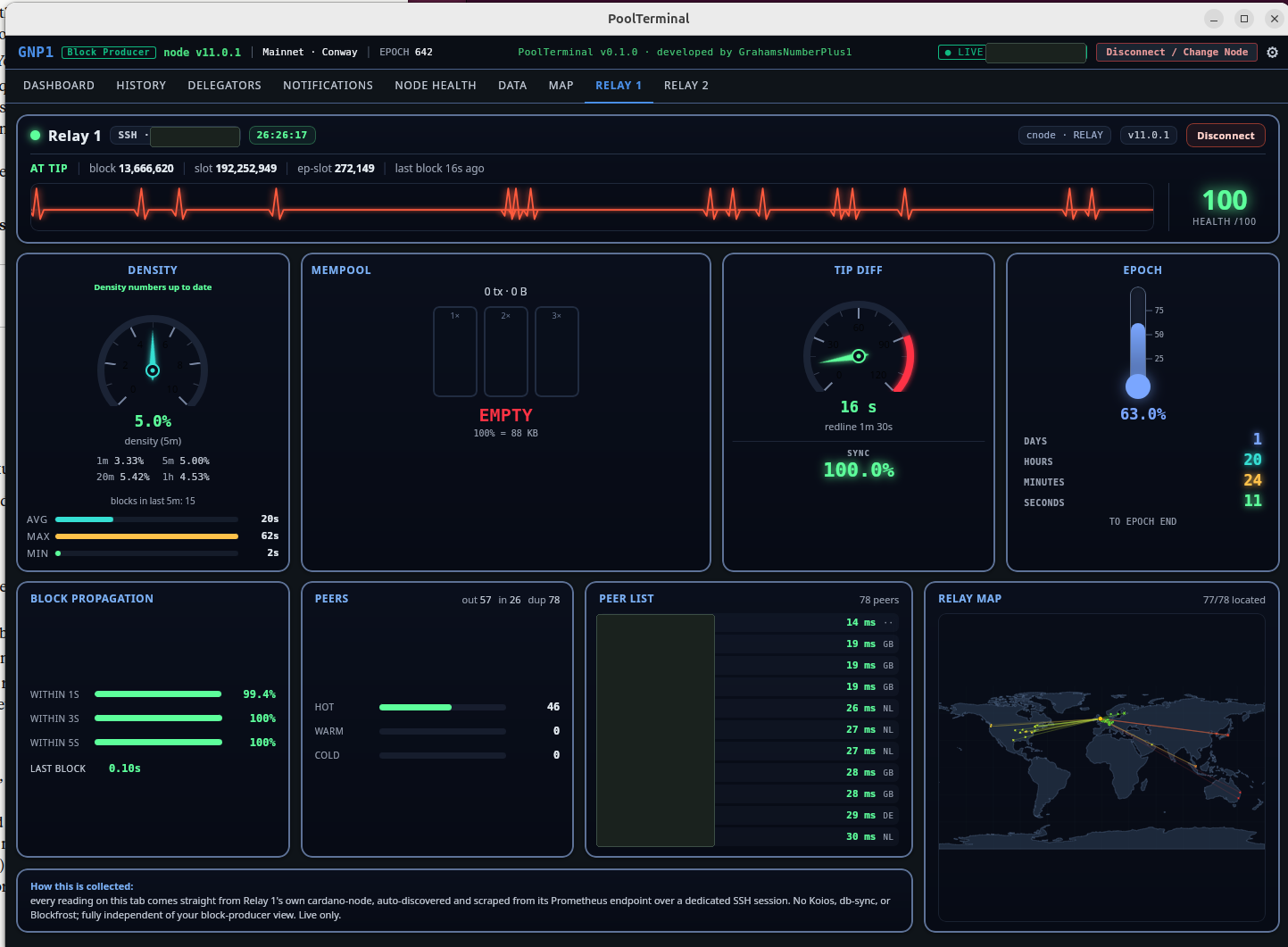
Each relay, monitored on its own
Dedicated dashboards for two relays, each read straight from its own cardano-node over its own connection. Independent by design: a stalling relay flatlines only its own heartbeat and never disturbs the others. Heartbeat, density, mempool (in blocks), tip, epoch, propagation, peers and a relay map.